
Booking widget
Booking right on your site.
The widget sits on your website, so customers book where they found you instead of calling around.
New ZarpOS · Scheduling
A booking widget on your website shows real open times. Homeowners pick a service, a day and a slot, and the request reaches you with their contact details.










The problem
Homeowners want to book when they're thinking about it, which is rarely when your office is open.
A homeowner finds you after dinner and wants an appointment now. A form that says "we'll call you" asks them to wait.
Calls, voicemails and texts just to agree on Tuesday morning, while the job could already be on the calendar.
Without one place for open slots, customers get promised times that are already taken.
Every round of phone tag is a chance for the customer to book someone else.
How it works
How a booking moves from the widget to your team.
On your website, the homeowner chooses what they need, from an inspection to a repair.
The widget only shows times that are open, so nobody books a slot you can't keep.
As soon as they enter their contact details, the request is saved, even if they don't finish.
You see the service, the day and the time, and confirm the visit with the customer.
What's inside
Customers book from your website. You stay in control of the schedule.
The widget sits on your website, so customers book where they found you instead of calling around.
Slots come from Zarp's appointments API, the same system already running on client sites, so customers pick from real availability.
The request is saved as soon as the customer leaves their contact details, so you can follow up even if they stop halfway.
Customers request a time and your team confirms it, so the schedule doesn't fill with jobs you can't take.
Part of ZarpOS
Scheduling feeds the rest of ZarpOS, so a booking isn't a dead end in a separate calendar app.
Already running for clients
Their booking flows pull open time slots from Zarp's appointments API, right on their websites.
Fingerprinting & Drug Testing
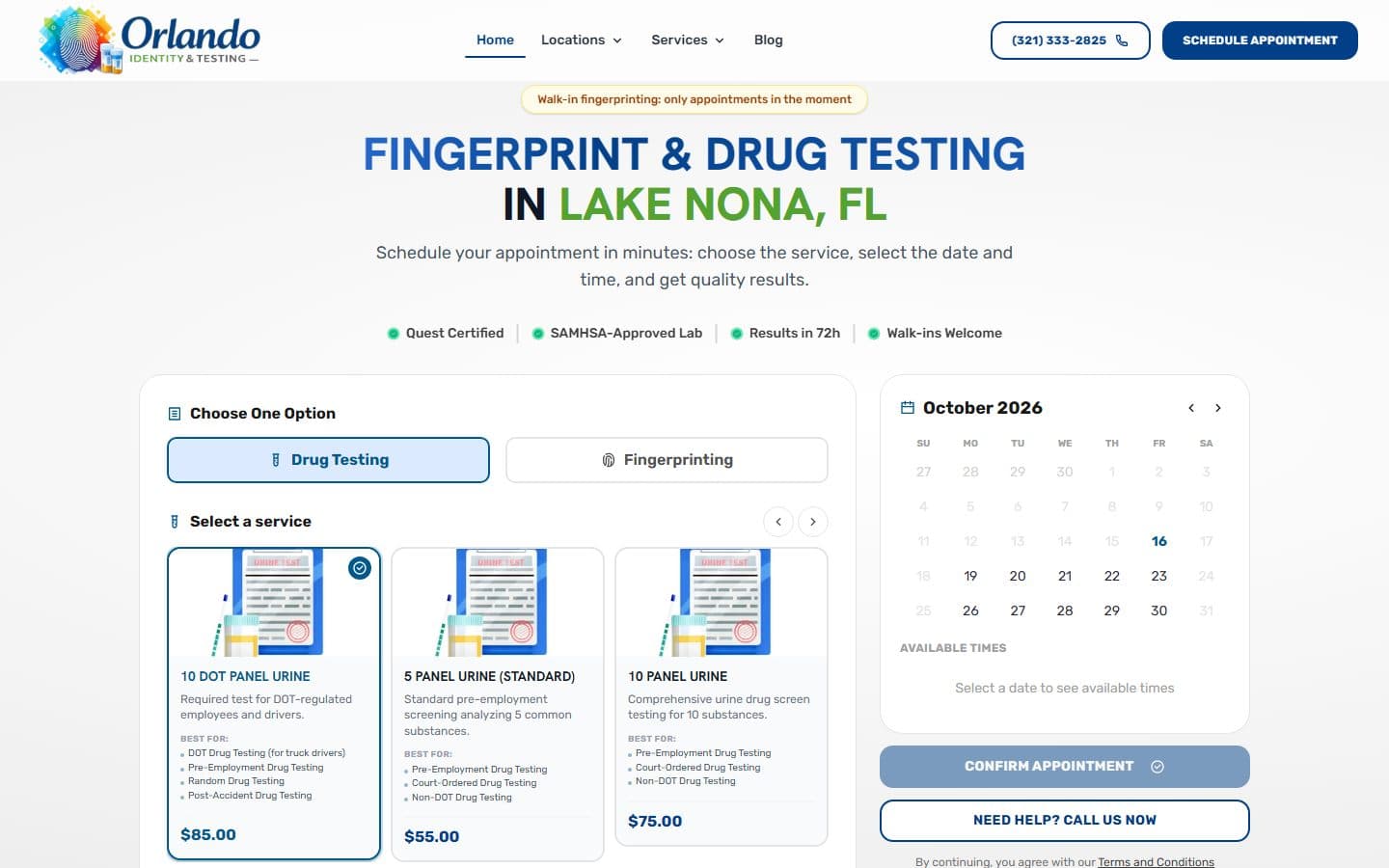
A booking-first website for an Orlando fingerprinting and drug testing center, where visitors choose a service, a date and a time slot right on the homepage.
Read the case study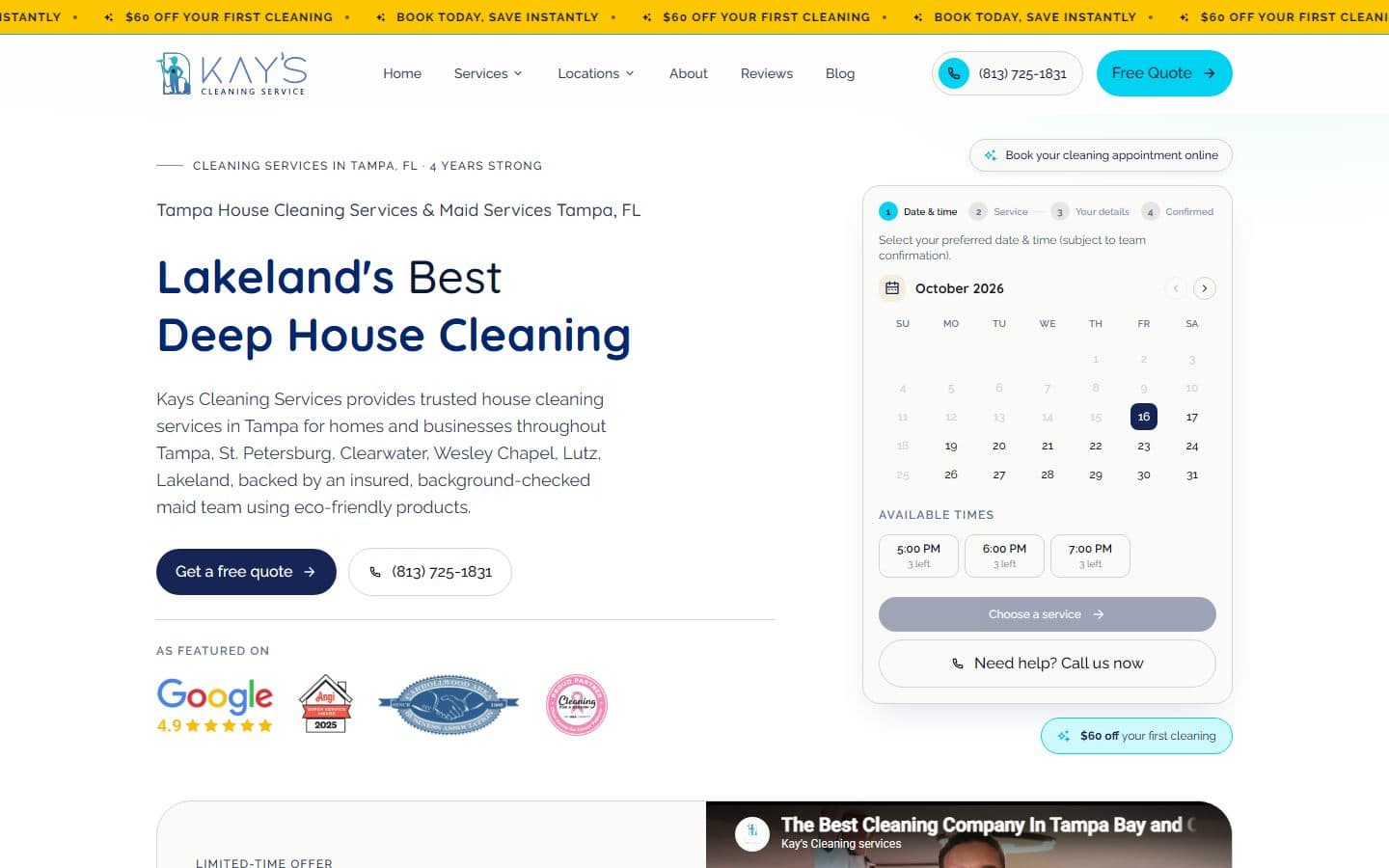
House Cleaning & Maid Service
A booking-first website for a Tampa cleaning company, with 60 service-by-city pages and online scheduling tied to real availability.
Read the case study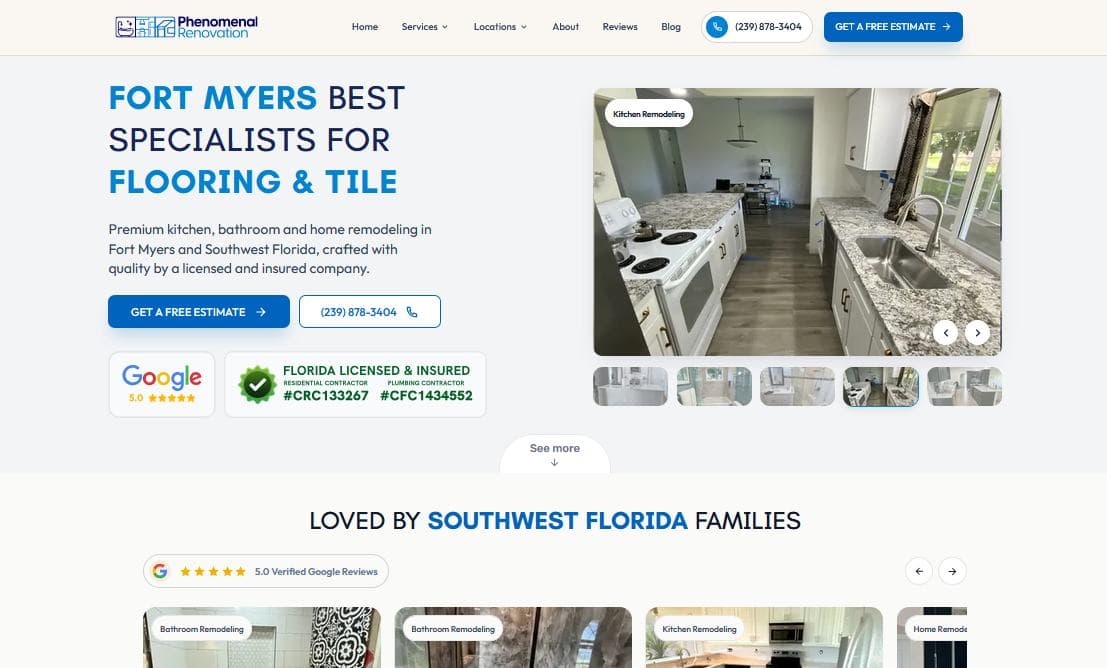
Kitchen & Bath Remodeling
A rebuild that matches the quality of a Fort Myers remodeler's work, with premium design, before-and-after showcases and SEO-optimized service pages across Southwest Florida.
Read the case studyFAQ
A booking widget on your website lets the homeowner choose a service, a day and an open time slot. Open slots come from Zarp's appointments API, the same system behind the booking flows on client sites like Orlando Identity & Testing and Kay's Cleaning Service.
The request is saved as soon as they leave their contact details and updated as they finish, so you still have a lead to call back.
On Kay's Cleaning Service, customers pick a time online and the team confirms it. On a demo we'll go through how you'd like confirmations to work for your business.
We'd rather show you than guess. Book a demo, tell us what you use today and we'll give you a straight answer.
We don't publish ZarpOS pricing on the site. Book a demo and we'll talk through how it fits your business.
Book a demo and tell us about your site. We'll tell you honestly what it would take.
Resources
 Press & Company
Walk into a growing Florida roofing, HVAC, plumbing, paving, or remodeling company on a Monday morning and you will see two realities a...

Zarp Team
Contractor Growth & Engineering Team
 Press & Company
Ask a Florida roofing, HVAC, plumbing, or general contractor for the name of the account rep who sends their monthly marketing invoice,...
Zarp Team
Contractor Growth & Engineering Team
 ZarpOS & Contractor Tech
No Florida contractor wakes up on day one and decides to buy twenty separate software dashboards. It happens one reasonable purchase at...

Diego Kelme
CEO & Founder

Book a demo and we'll show you online scheduling in ZarpOS, and what it would look like on your website.
Book a ZarpOS demo